
Four spaces. One connected chess experience.

Play

Play a game, then go deeper.

Challenge the computer or let engines play each other. Replay the result, inspect critical moments, compare variations, and continue from any position.

Start a gameLeaves the tour
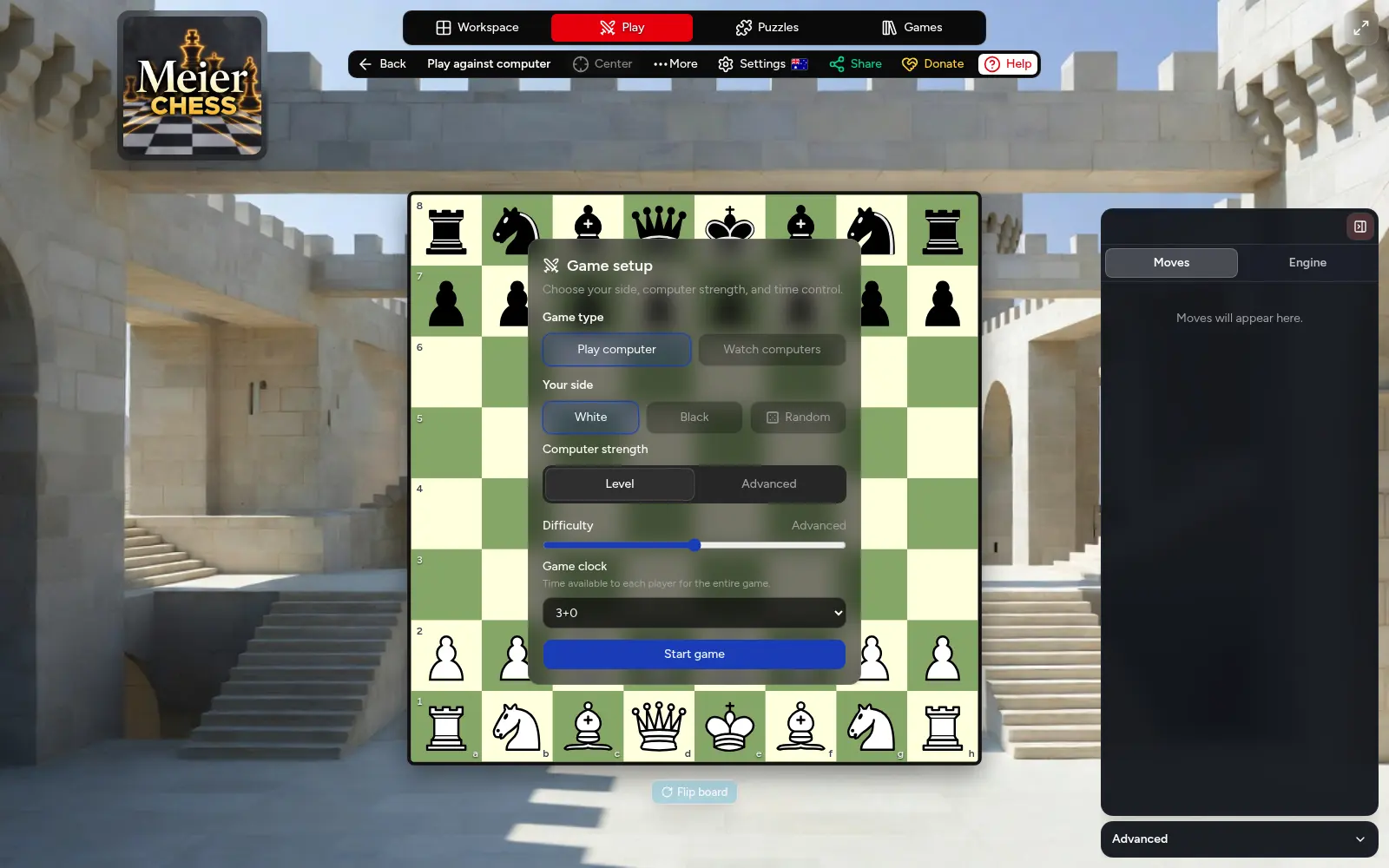
The Meier Chess game setup over the playable board, with game type, side, computer strength, thinking time, and chess-clock controls.
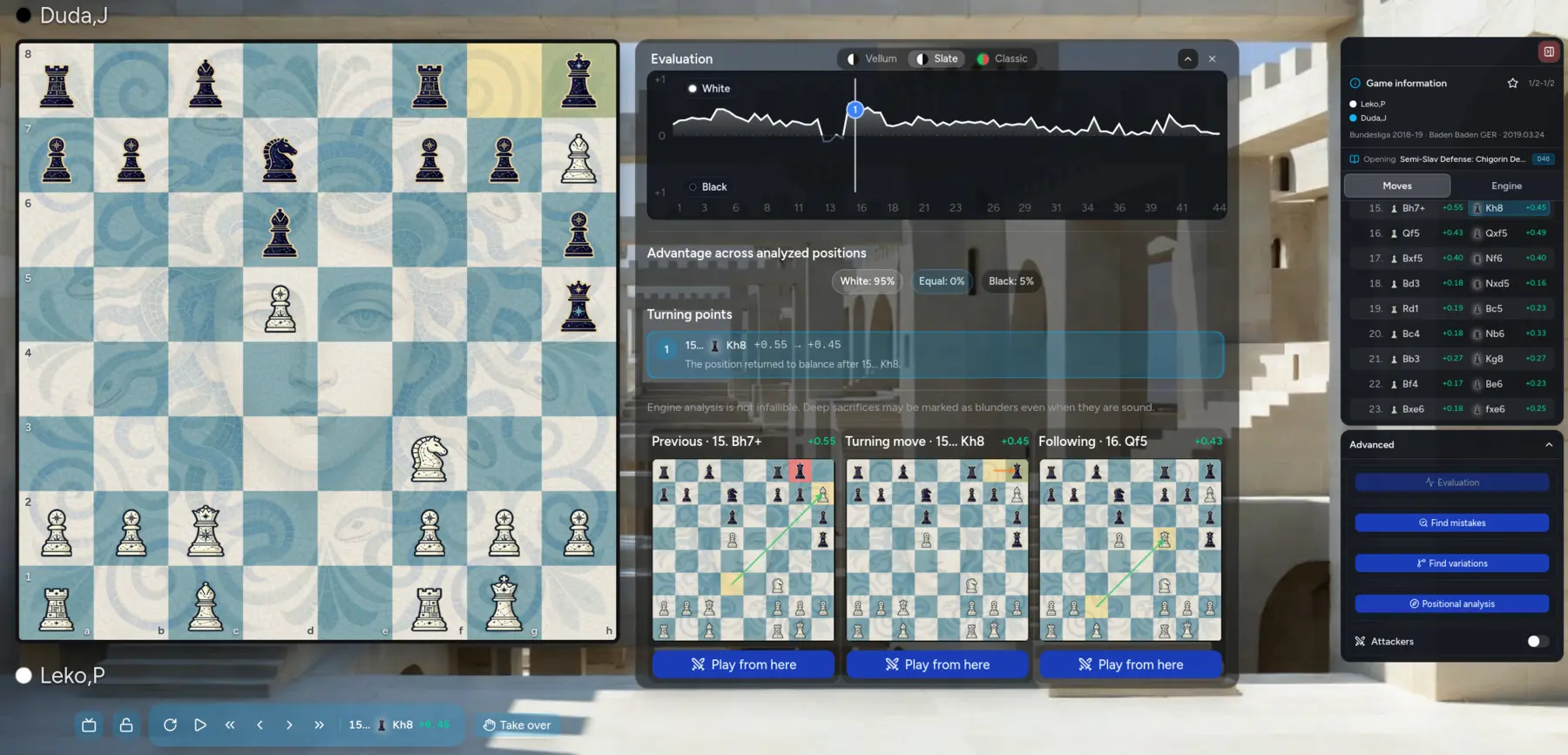
Meier Chess displaying an evaluation graph, advantage summary, turning point, and three connected positions.
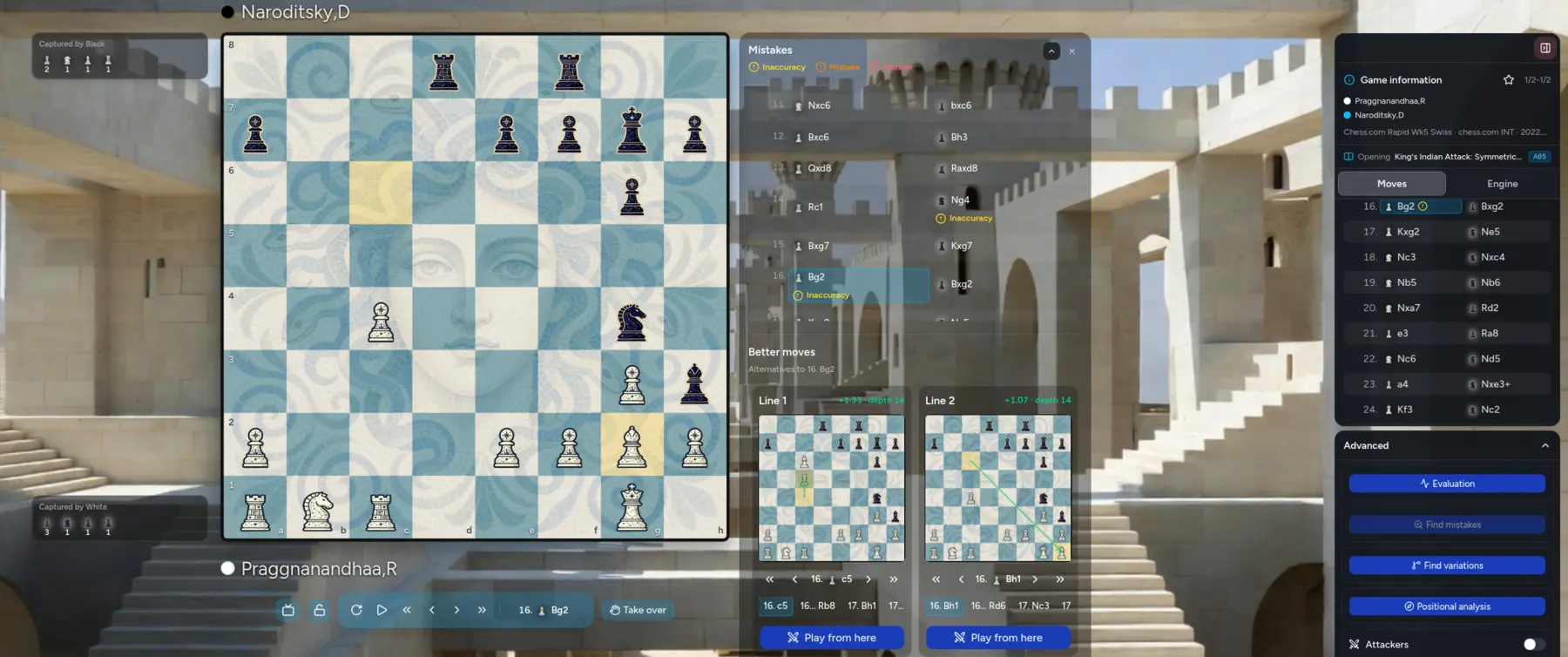
Meier Chess identifying inaccuracies and presenting stronger alternative lines on interactive boards.
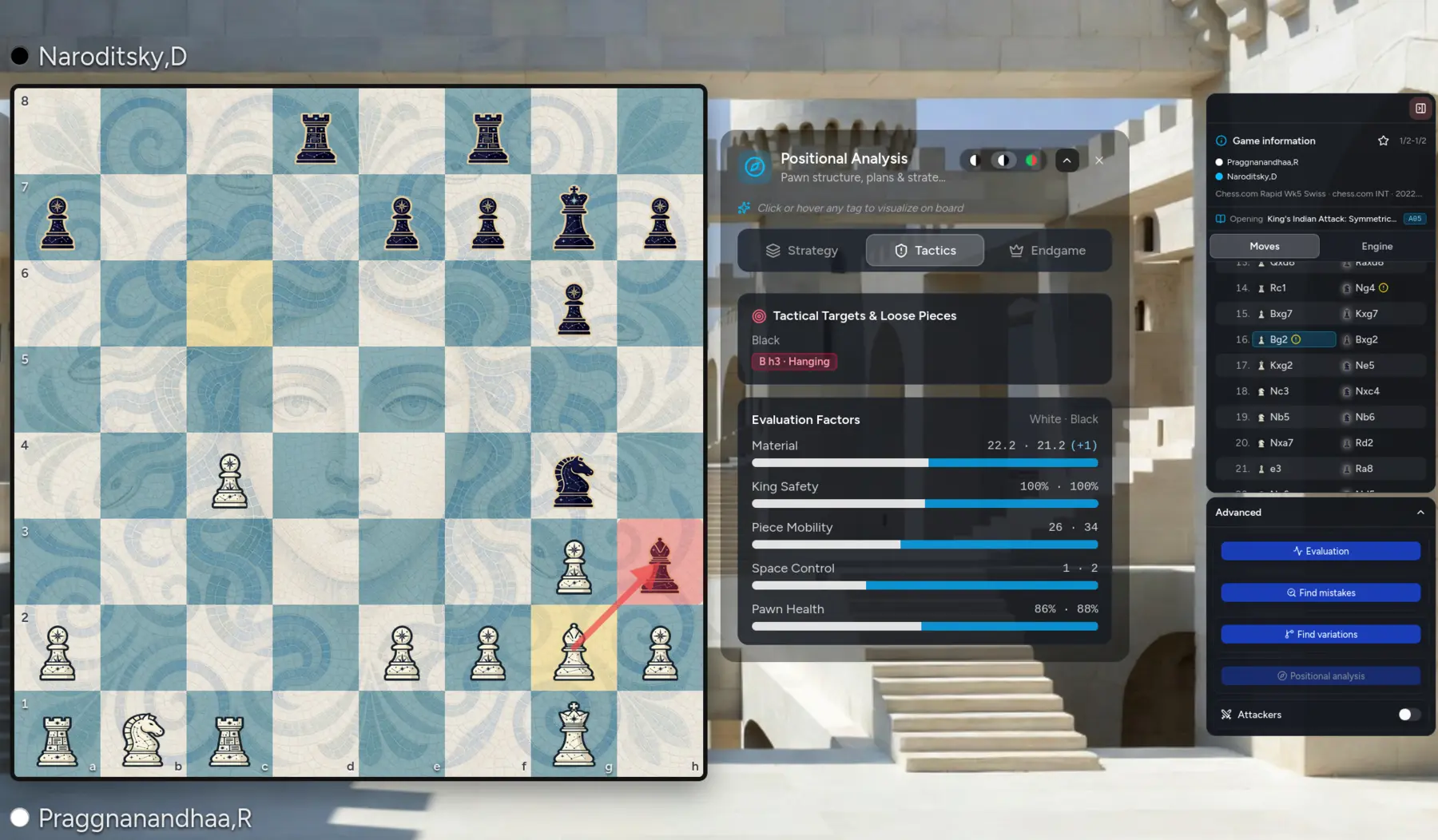
Meier Chess explaining tactical targets and comparing positional evaluation factors beside the active board.
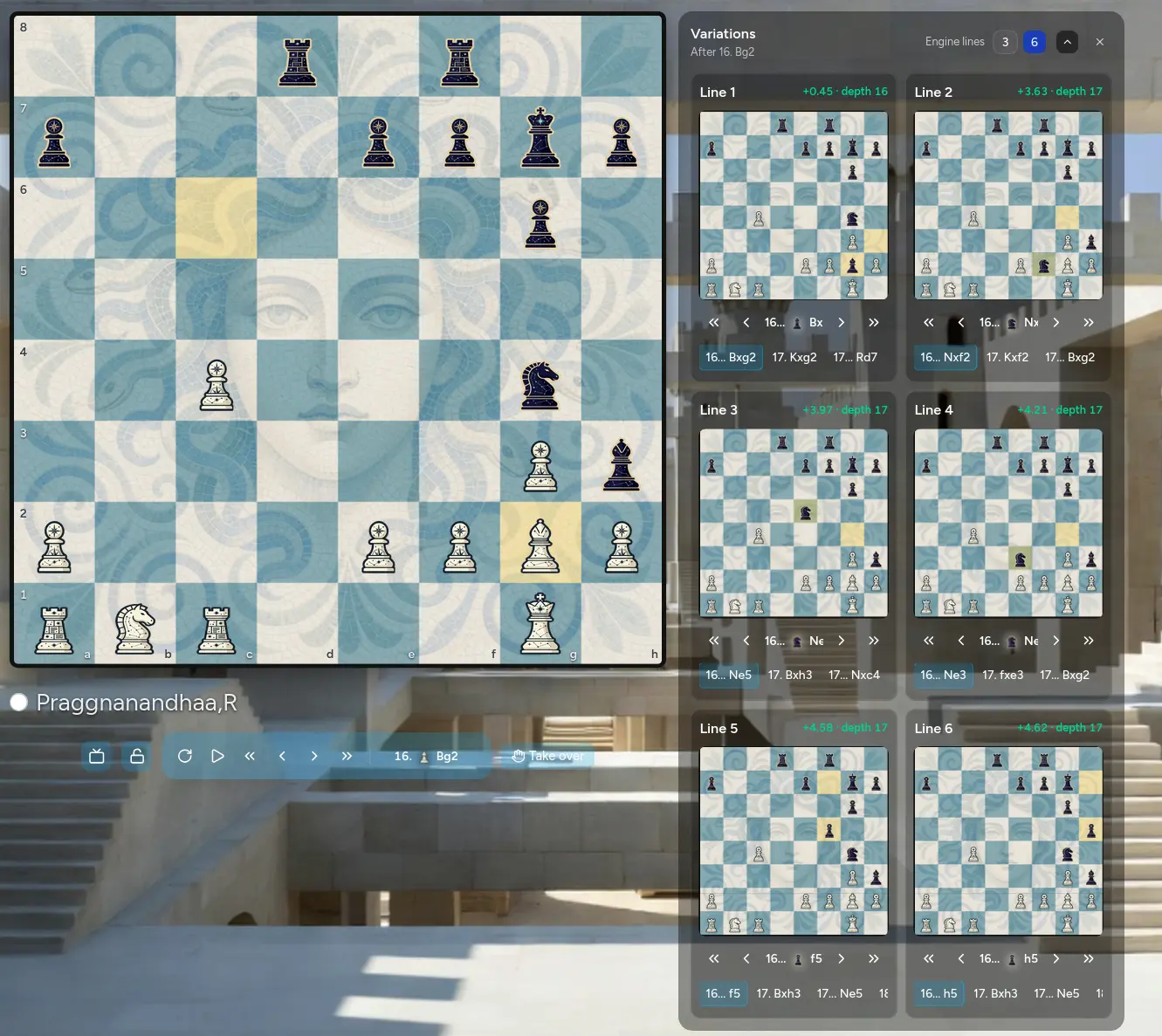
Meier Chess comparing six engine variations as playable miniature boards.
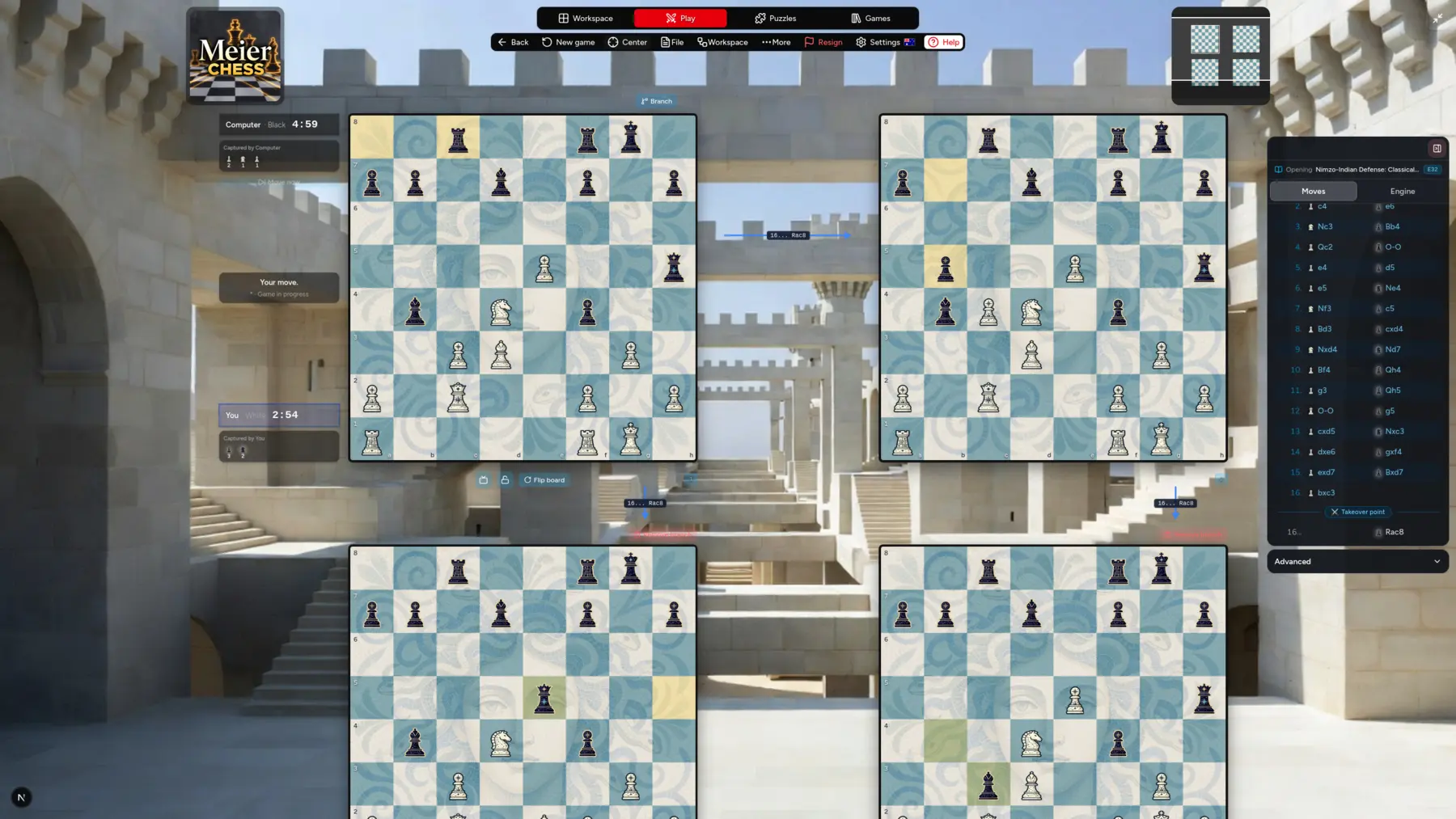
Meier Chess Branch World displaying four connected continuations from one game position.
  • Play against the engine or watch two computer opponents contest a complete game.
  • Choose the side, engine strength, maximum thinking time, and chess clock.
  • Follow the evaluation graph, see who has the advantage, and compare the positions around every turning point.
  • Find inaccuracies, mistakes, and blunders with stronger alternatives ready to explore.
  • Compare and replay up to six engine variations simultaneously as playable miniature boards.
  • Read strategic, tactical, and endgame factors through dedicated positional analysis and visualize the ideas on the active board.
  • Take over from any analyzed position and test a different continuation yourself.
  • Build a Branch World where alternative decisions become connected position boards.
Workspace

Unfold a game into a visual world.

Import a PGN and move across its connected positions. Compare moments, follow pieces, draw ideas, and see the game develop beyond the limits of a single board.

Open the workspaceLeaves the tour
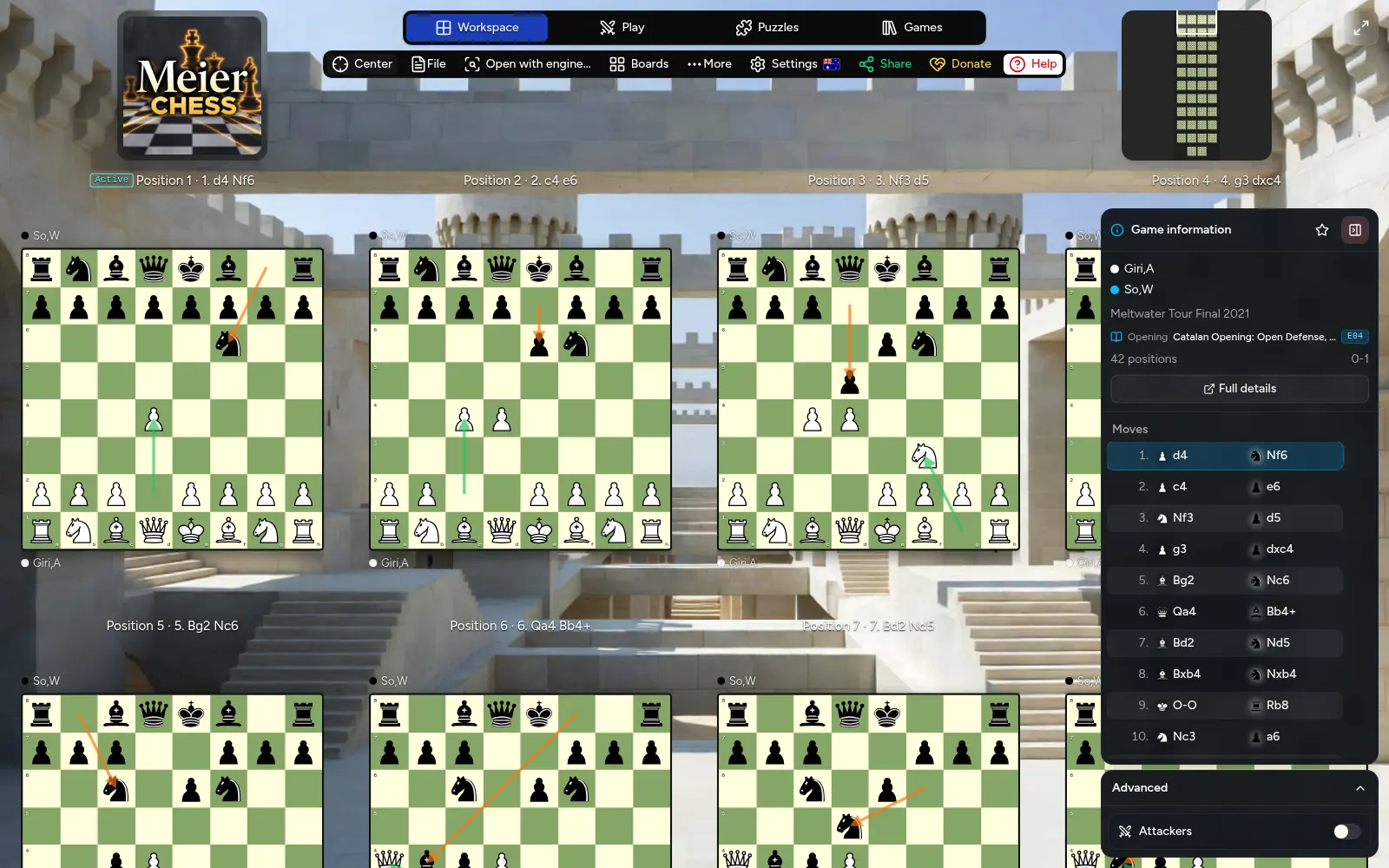
The Meier Chess workspace showing many connected positions from one game, automatic move arrows, the minimap, and game information.
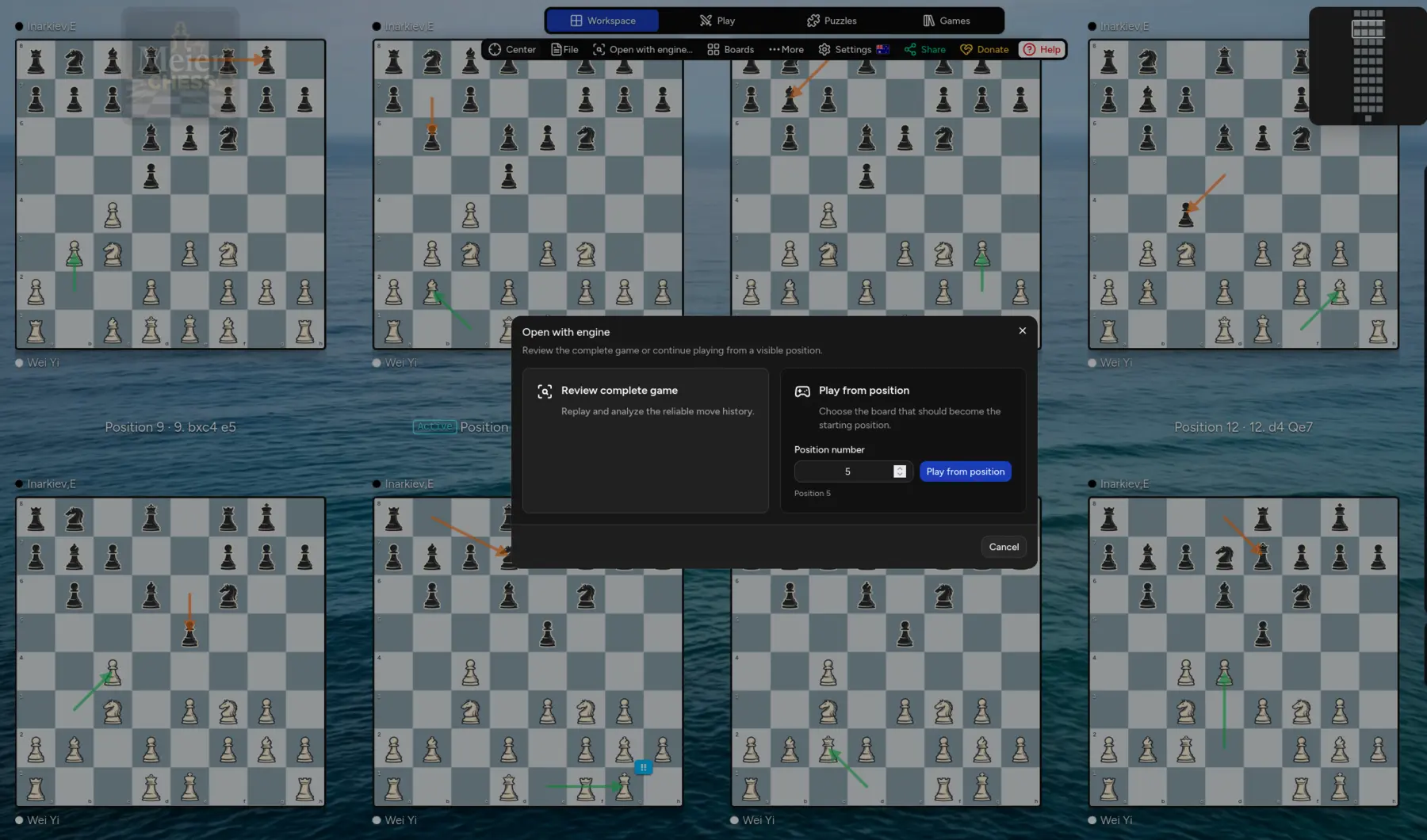
The Meier Chess workspace showing assessed moves across many boards and the option to review the complete game or play from any visible position.
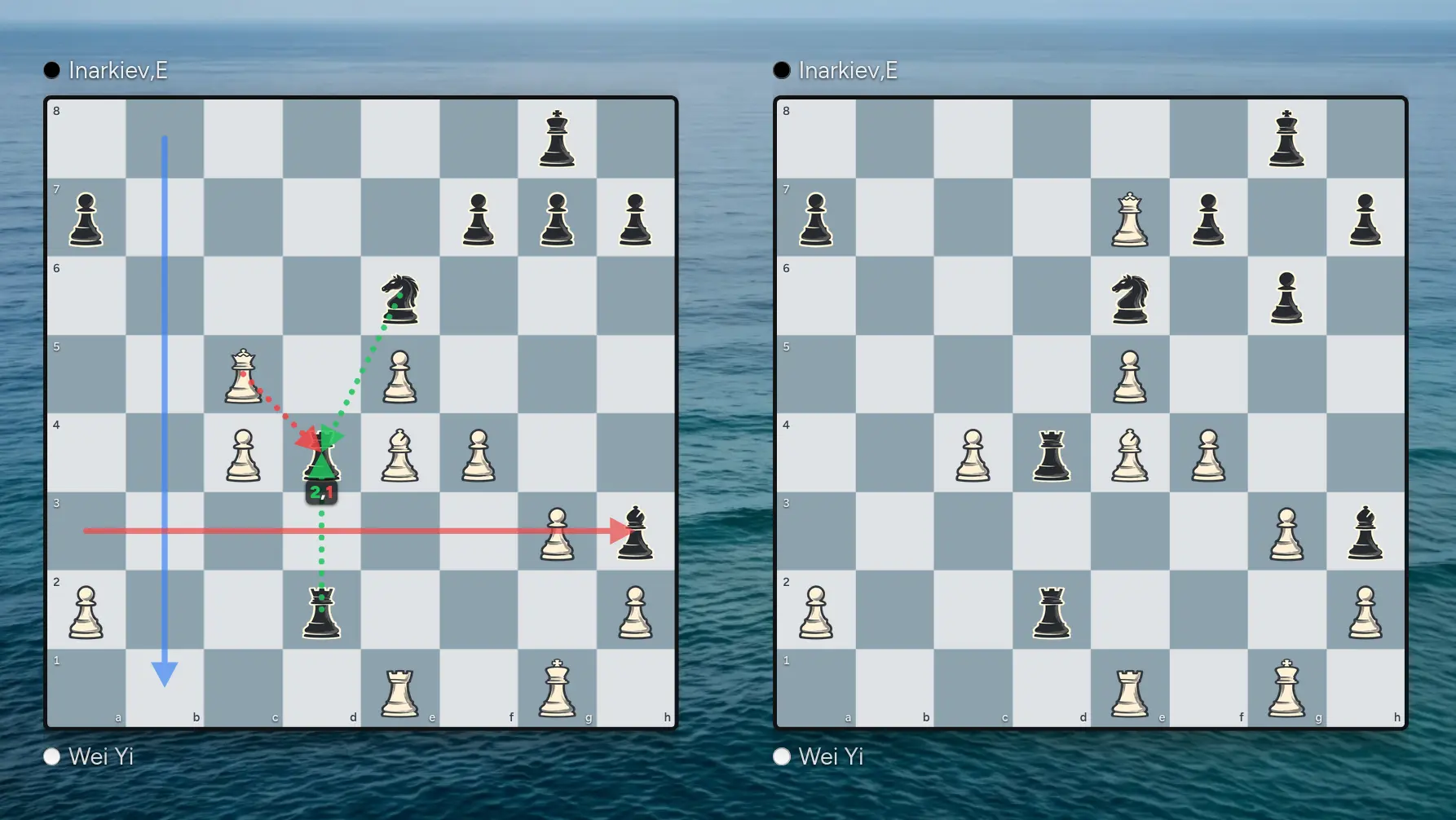
Two Meier Chess position boards comparing colorful annotations and attack and defense visualization.
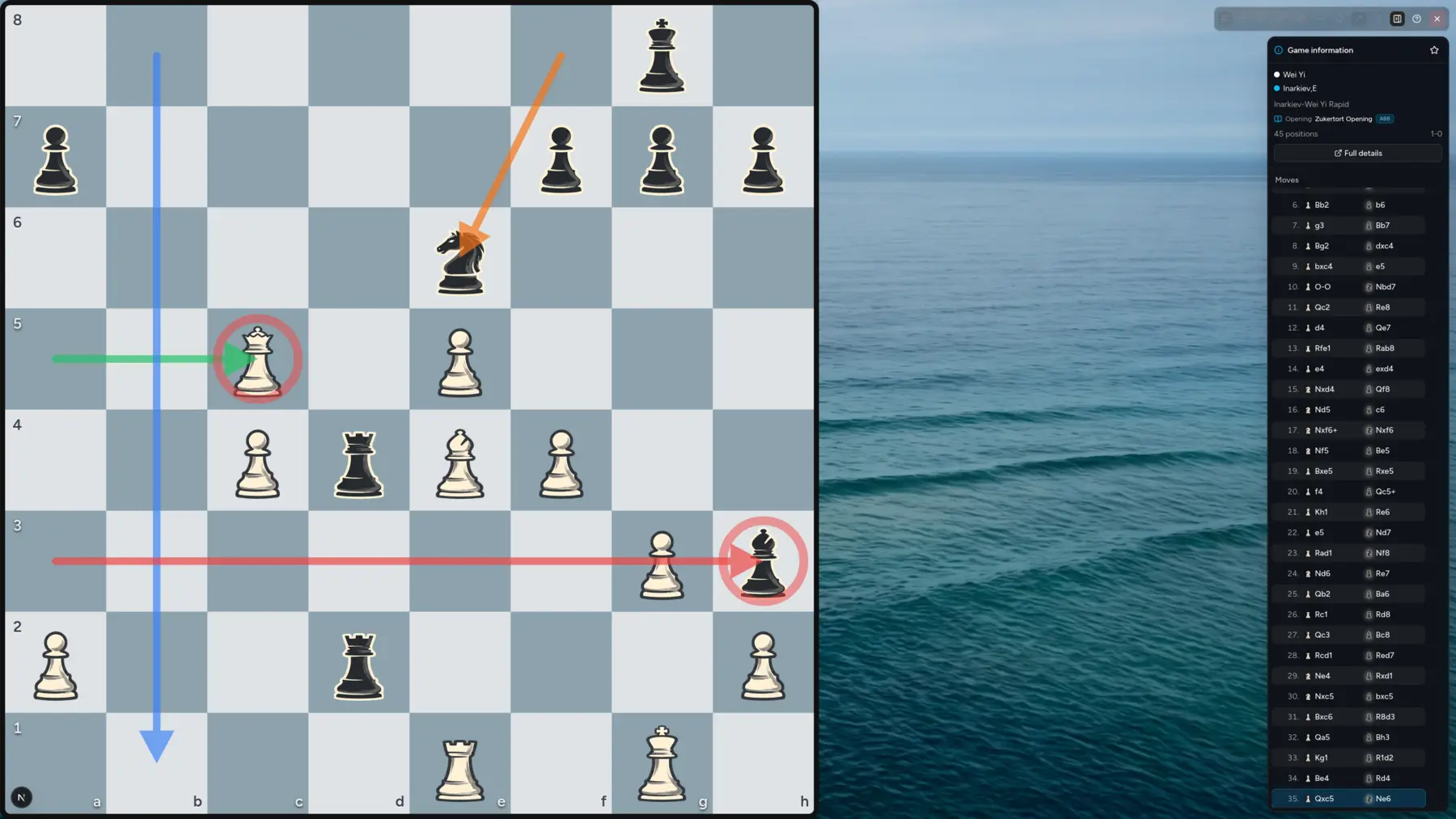
Meier Chess Studio Mode presenting a large annotated board and game information without the regular application chrome.
  • Import or paste complete PGN games while preserving comments, metadata, assessments, and variations.
  • See every completed fullmove as an independently interactive board in one connected spatial world.
  • Pan, zoom, center, and navigate large games quickly with the workspace minimap and game information.
  • Track up to six exact pieces across positions to see where each one moves, survives, or disappears.
  • Draw colored arrows and highlights, then reveal attackers and defenders on any chosen position.
  • Assess moves with standard NAG symbols and keep position-specific annotations attached to their boards.
  • Review the complete game with the engine or begin a new playable game from any visible position.
  • Use to prepare a clean, distraction-free view for teaching, presentations, streaming, or capture with your preferred tools.
Puzzles

Turn calculation into a visible journey.

Solve tactical positions at your level, follow the continuation on the board, and build a clear record of your progress directly in the browser.

Solve puzzlesLeaves the tour
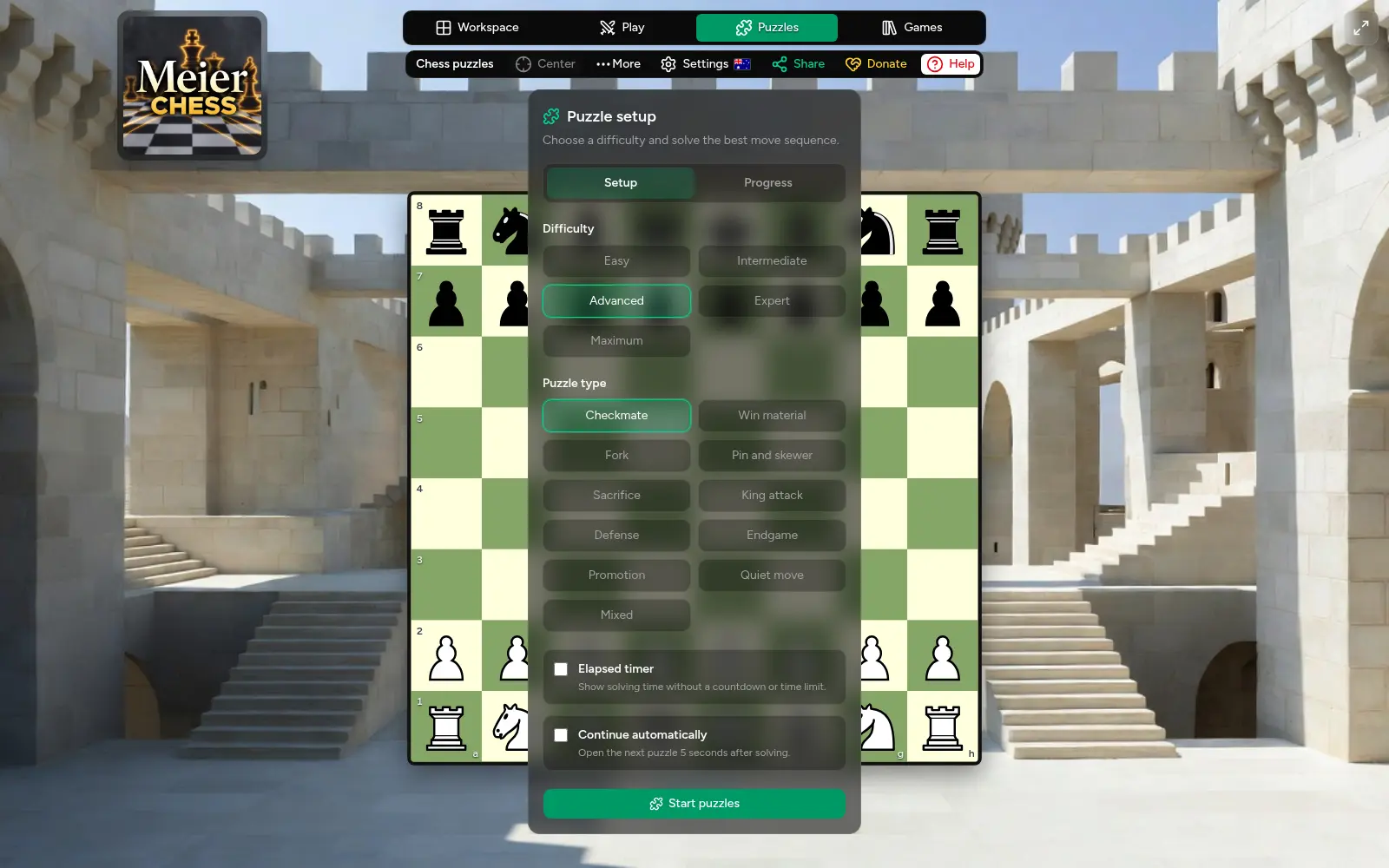
The Meier Chess puzzle setup showing five difficulty levels, tactical categories, timing, automatic continuation, and progress controls.
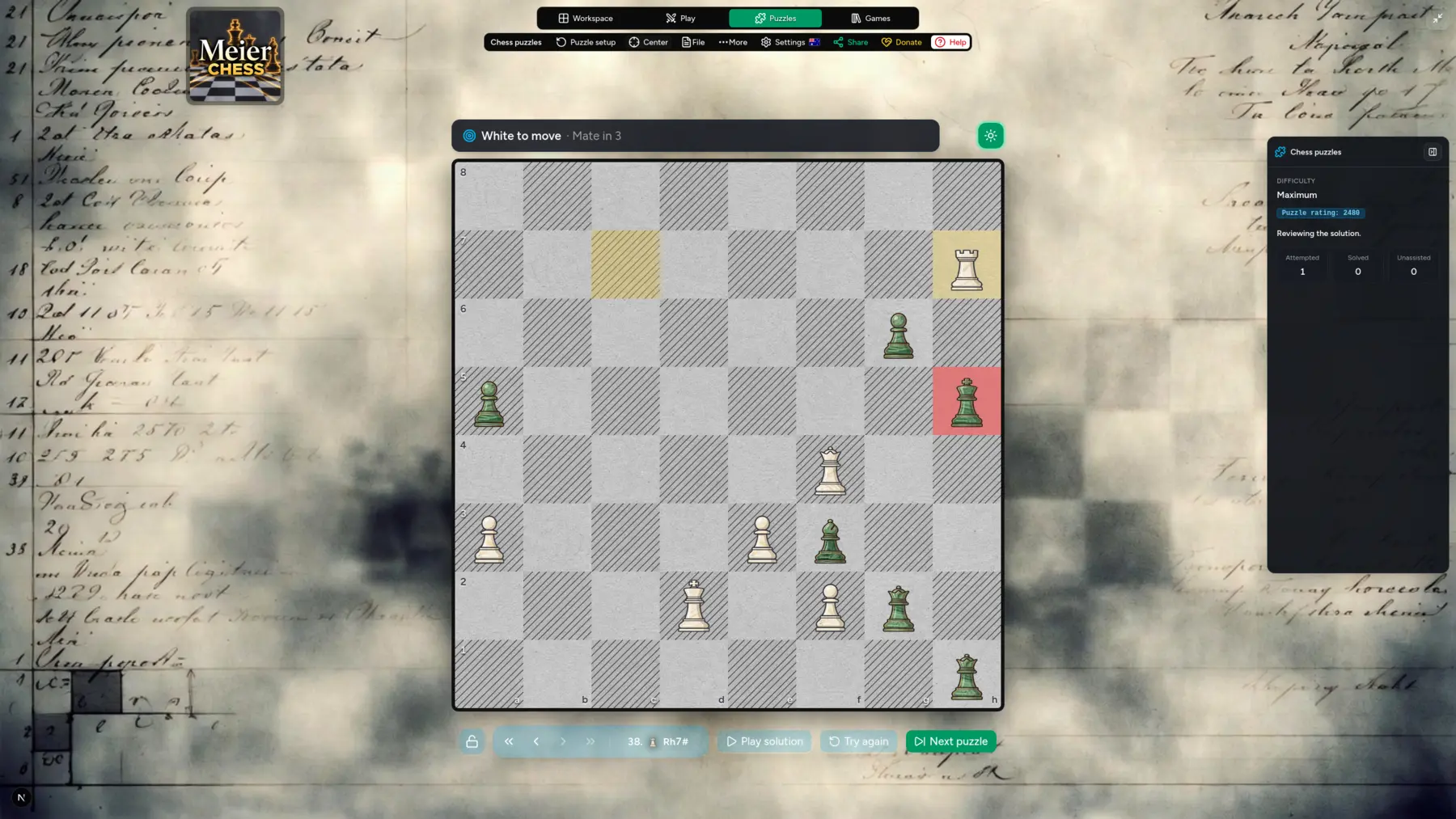
A Meier Chess mate-in-three puzzle in solution review, with controls to play the solution, try again, or move to the next puzzle.
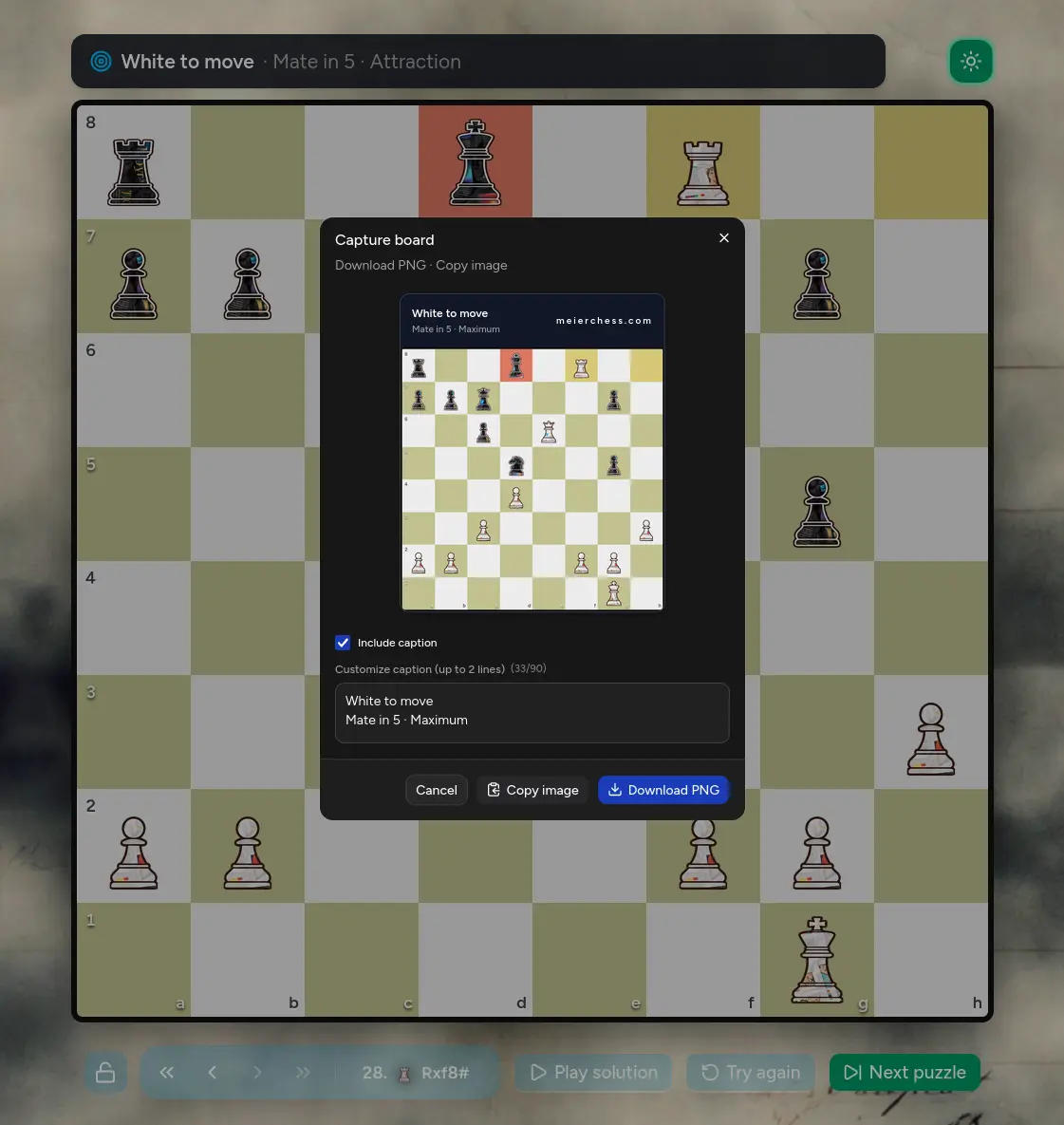
The Meier Chess board capture dialog showing a branded puzzle image, editable caption, copy control, and PNG download.
  • Choose from five difficulty levels, from approachable positions through Maximum challenges.
  • Practice checkmates, forks, sacrifices, defense, endgames, quiet moves, and other tactical themes.
  • Use an elapsed timer, hide time pressure entirely, or let the next puzzle continue automatically.
  • Solve each position independently or play the complete solution move by move when you need it.
  • Review the continuation, try the same puzzle again, or move directly to the next challenge.
  • See the side to move, objective, tactical theme, and puzzle rating alongside the active board.
  • Capture a branded board with a custom caption, then copy the image or download it as a PNG.
  • Track attempted, solved, and unassisted puzzles together with completion times and category progress.
Game library

A world-class chess library, ready to explore.

Search an extensive collection across generations, from the great classical masters to modern champions. Every game is ready to inspect, replay, analyze, export, or open as a complete visual world.

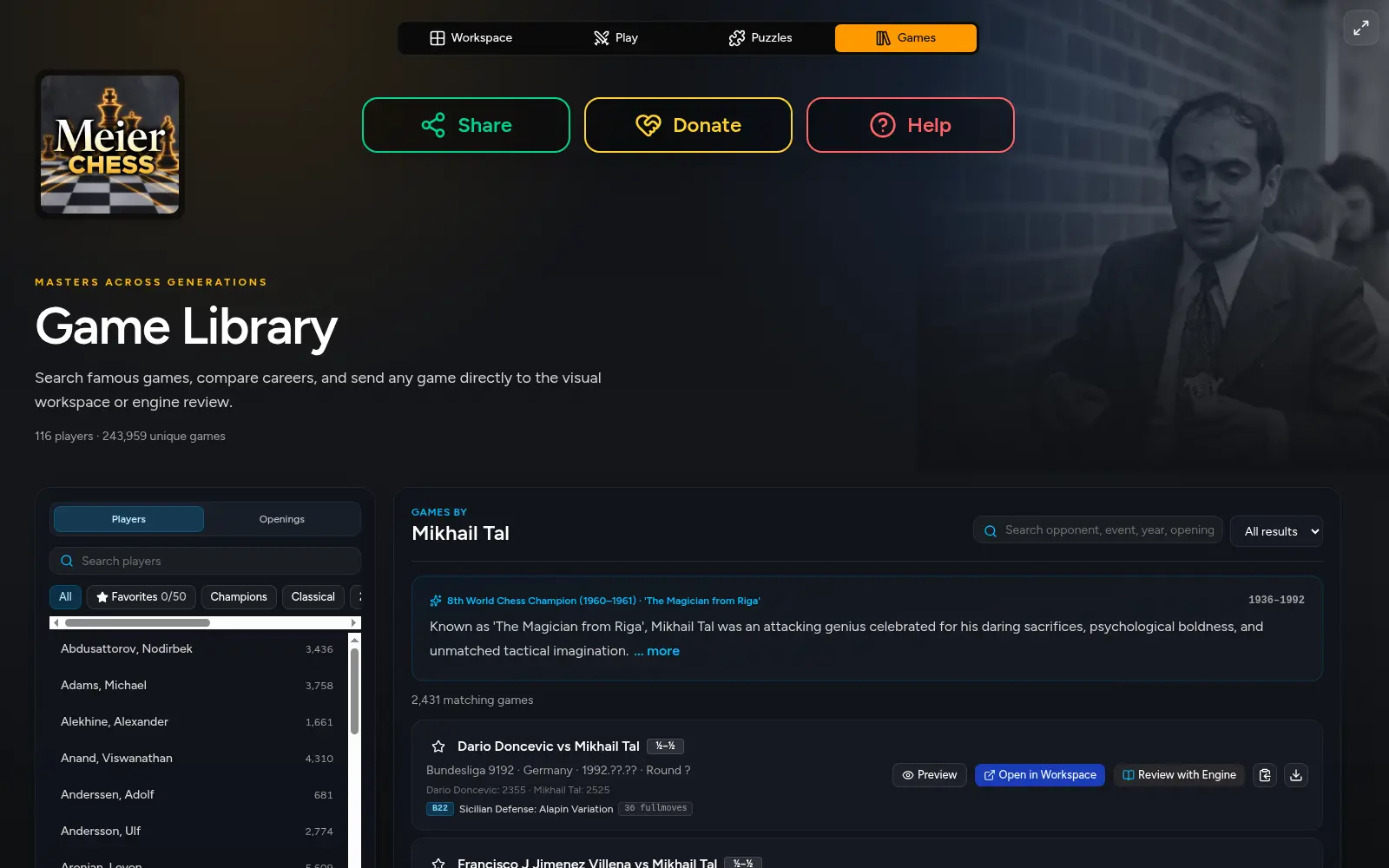
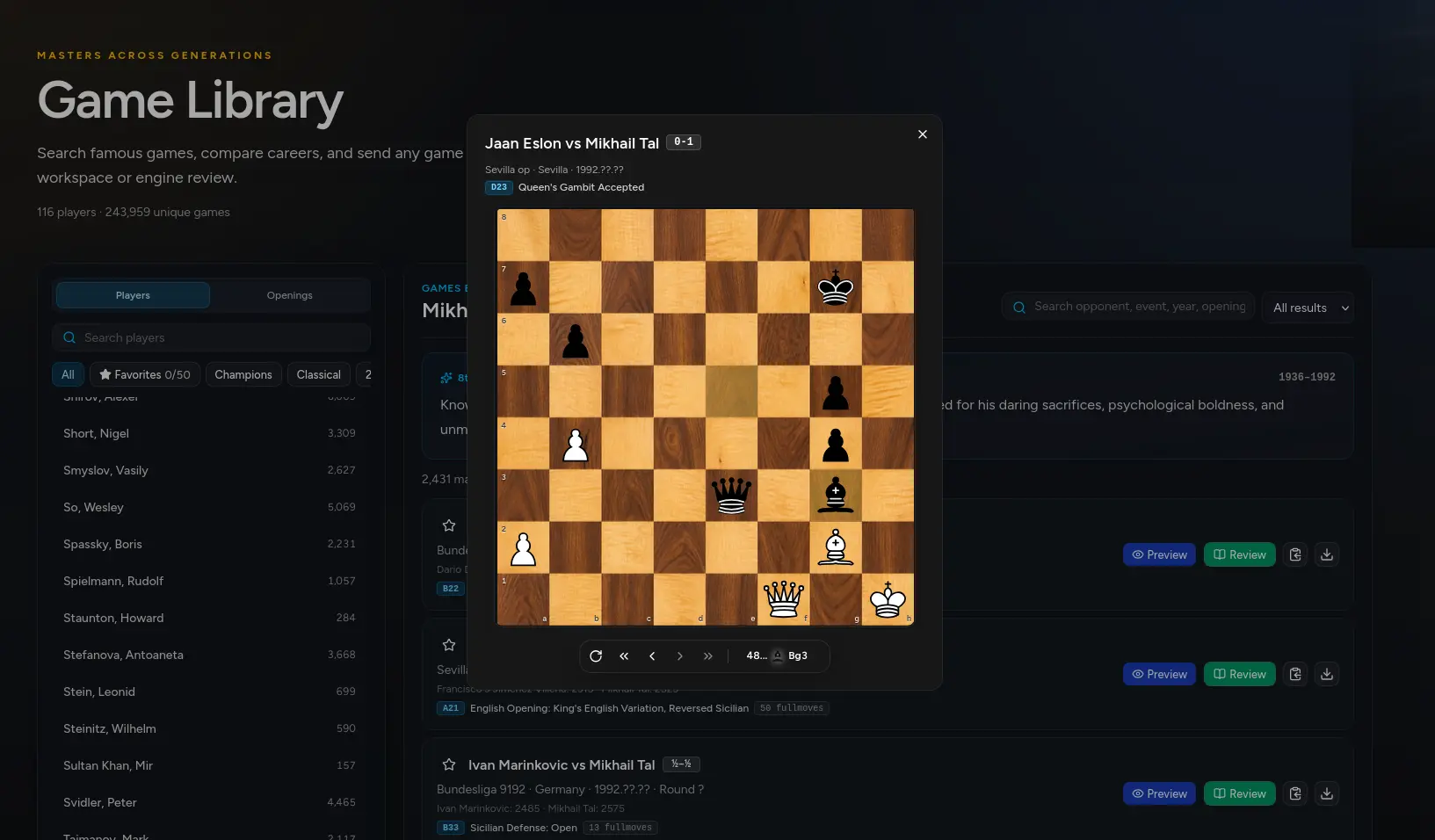
The Meier Chess Game Library showing player filters, Mikhail Tal's biography, searchable games, and review controls.
A famous game opened in the Meier Chess library preview with a playable board and move navigation.
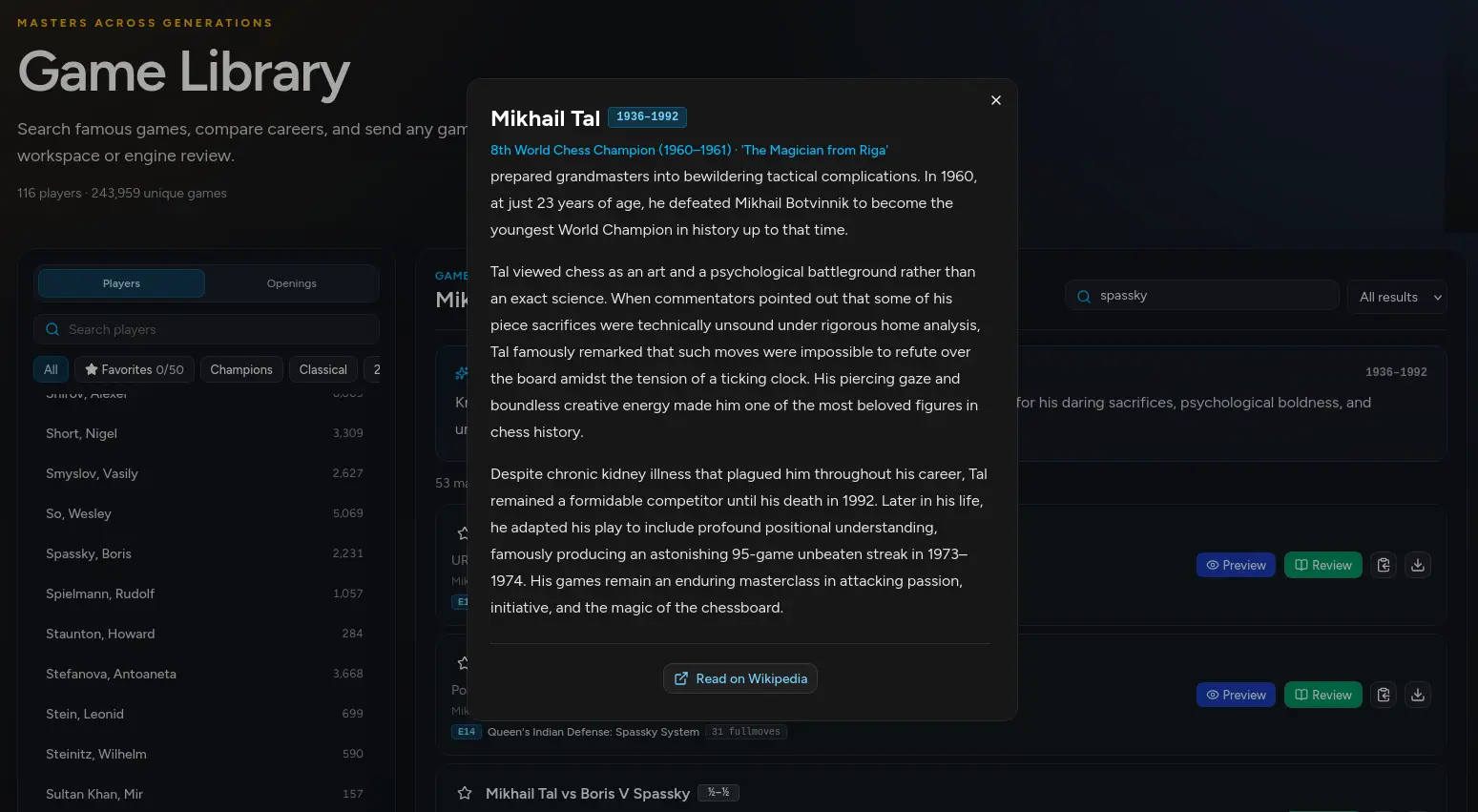
Mikhail Tal's biography opened over the Meier Chess Game Library with a link to continue reading on Wikipedia.
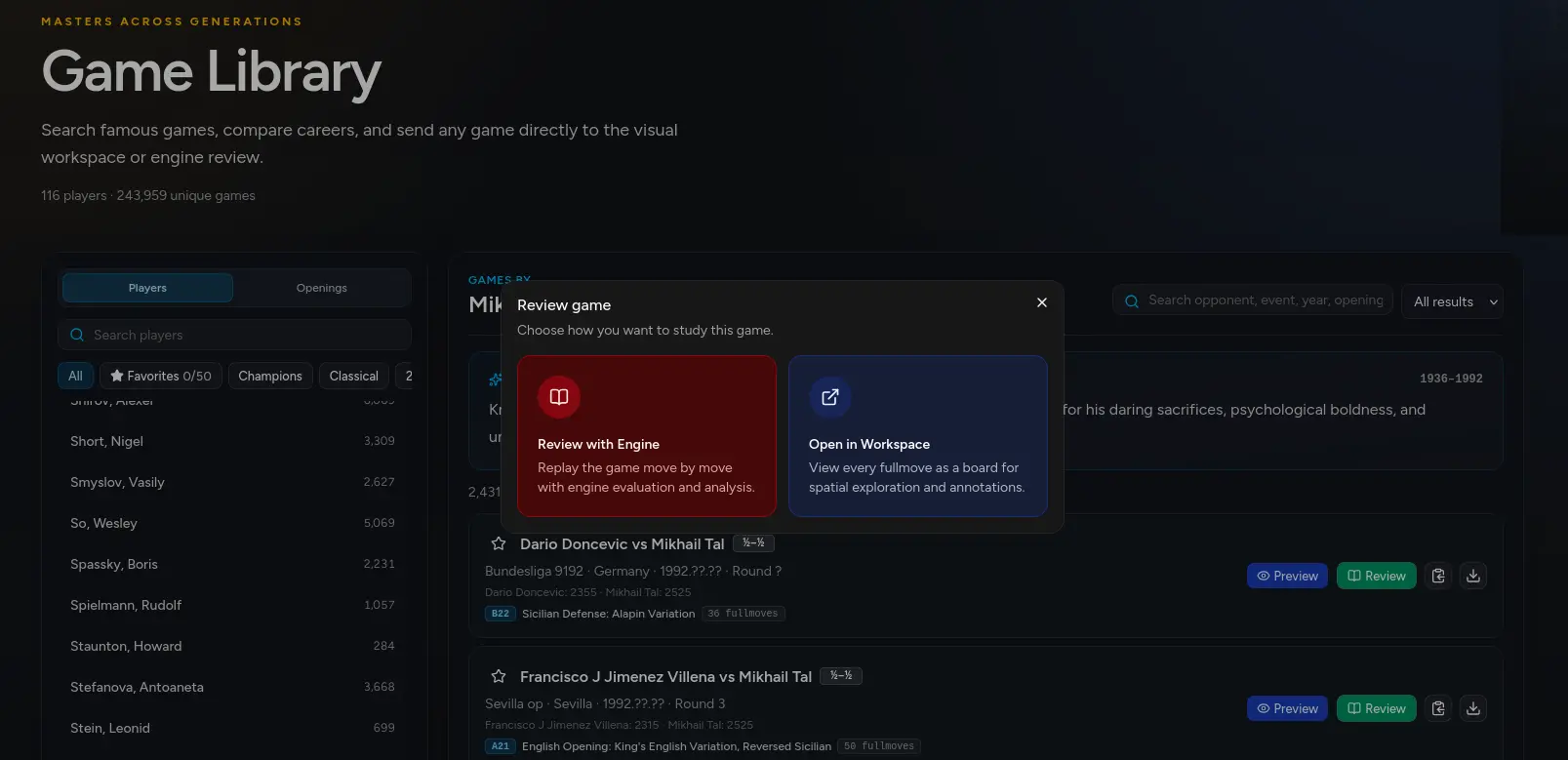
The Meier Chess game review dialog offering engine analysis or the complete visual Workspace.
116master players
243,959unique games
  • Search by player, opening, opponent, event, year, result, or ECO and combine filters to narrow the library.
  • Browse players and openings, save favorites, compare careers, and return quickly to the collections you value.
  • Read player biographies and career context without leaving the library, then continue on Wikipedia when desired.
  • Preview and replay every move on a full board while preserving the current search and selected collection.
  • Review a complete game move by move with engine evaluation and the full Play analysis toolkit.
  • Open the game in Workspace to see every completed fullmove together as connected position boards.
  • Copy or download the original PGN whenever you want to archive, share, or use it elsewhere.
  • Continue playing from a position to test an alternative idea against the computer yourself.